What is Keyway?
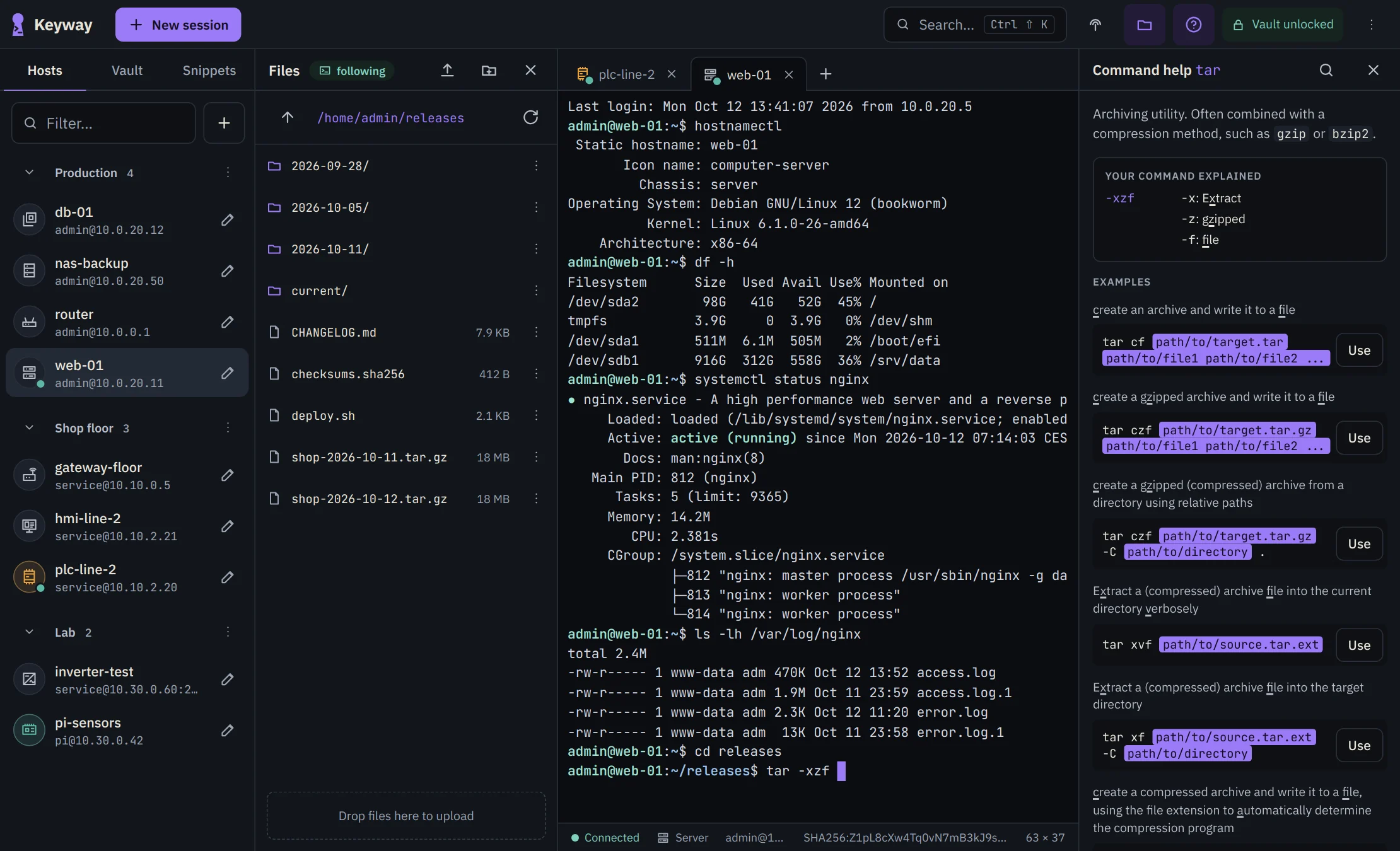
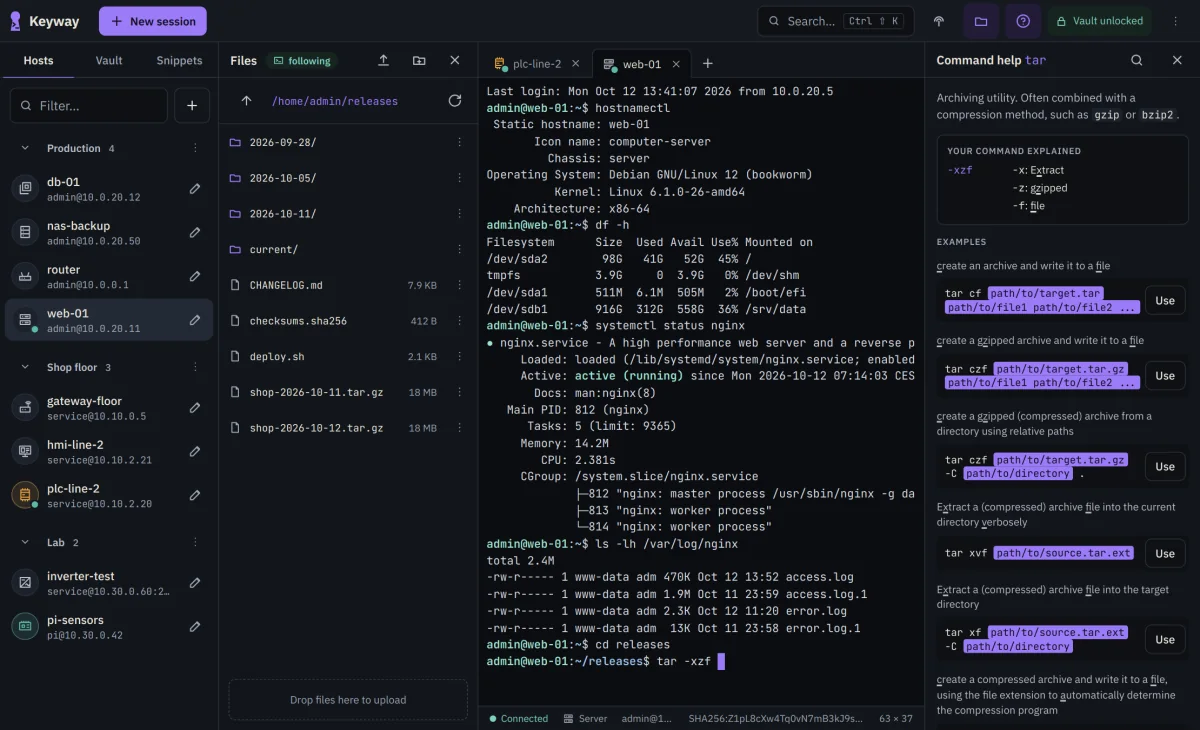
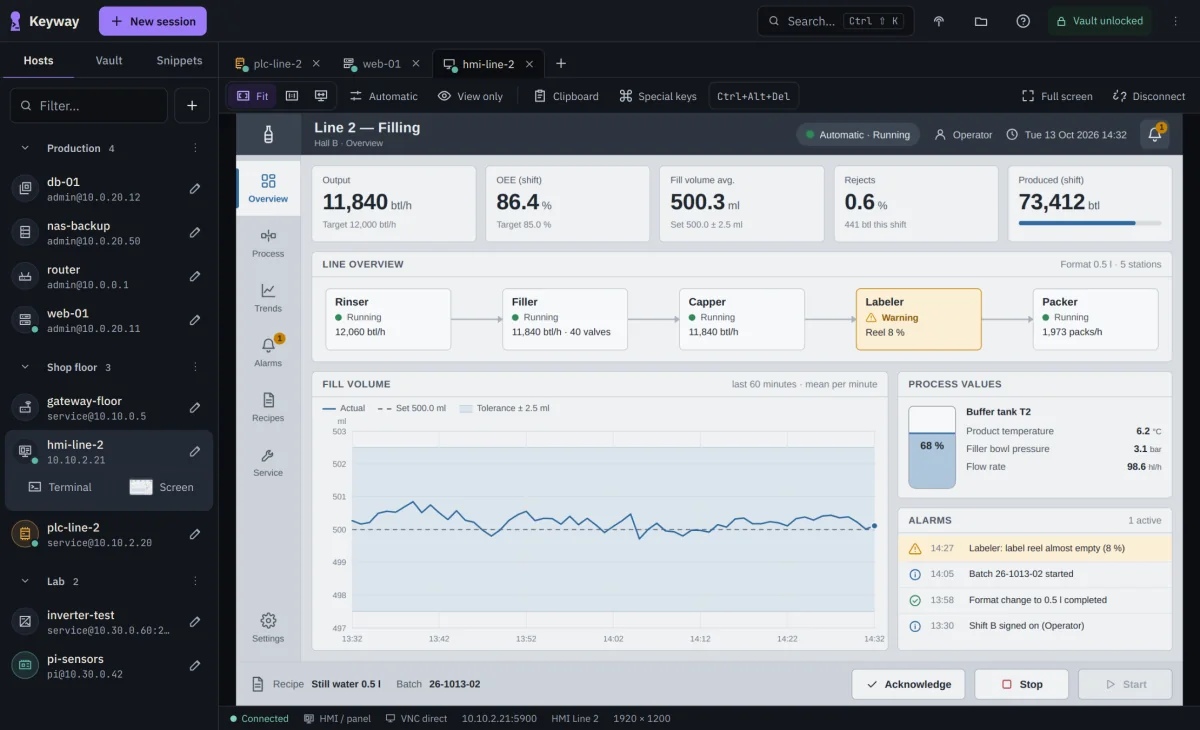
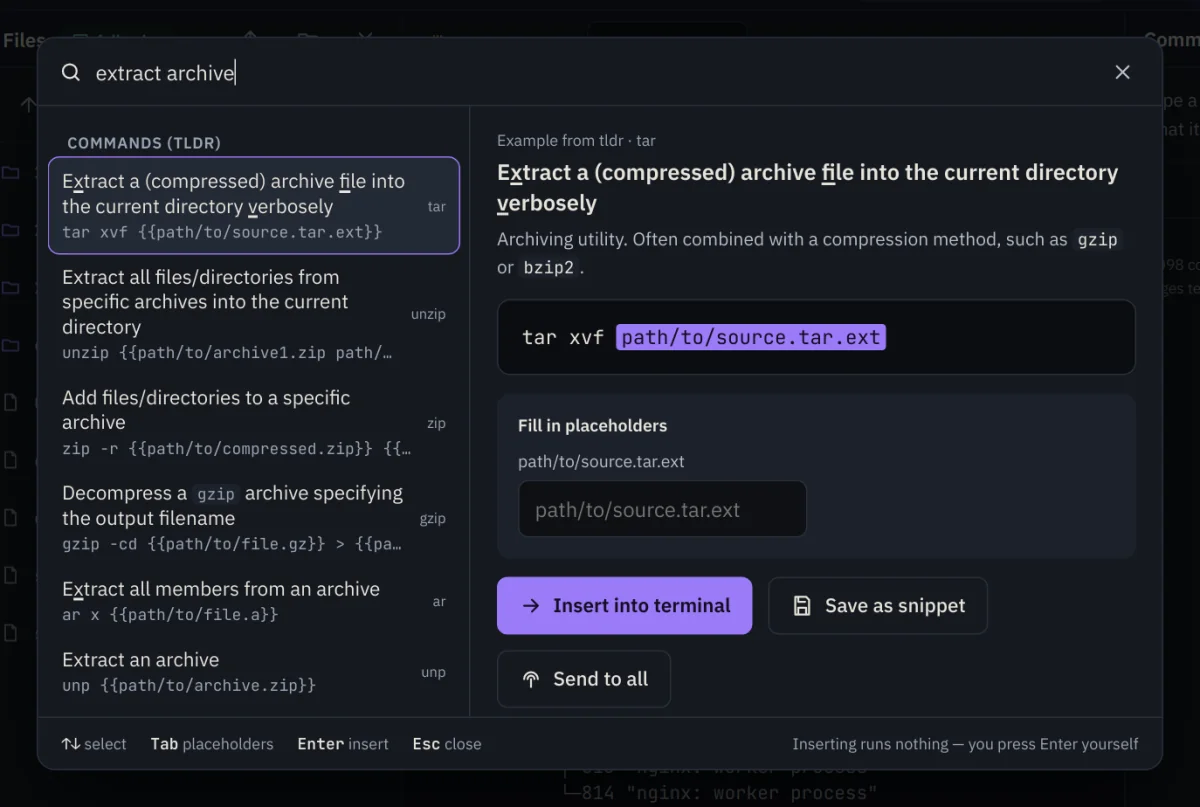
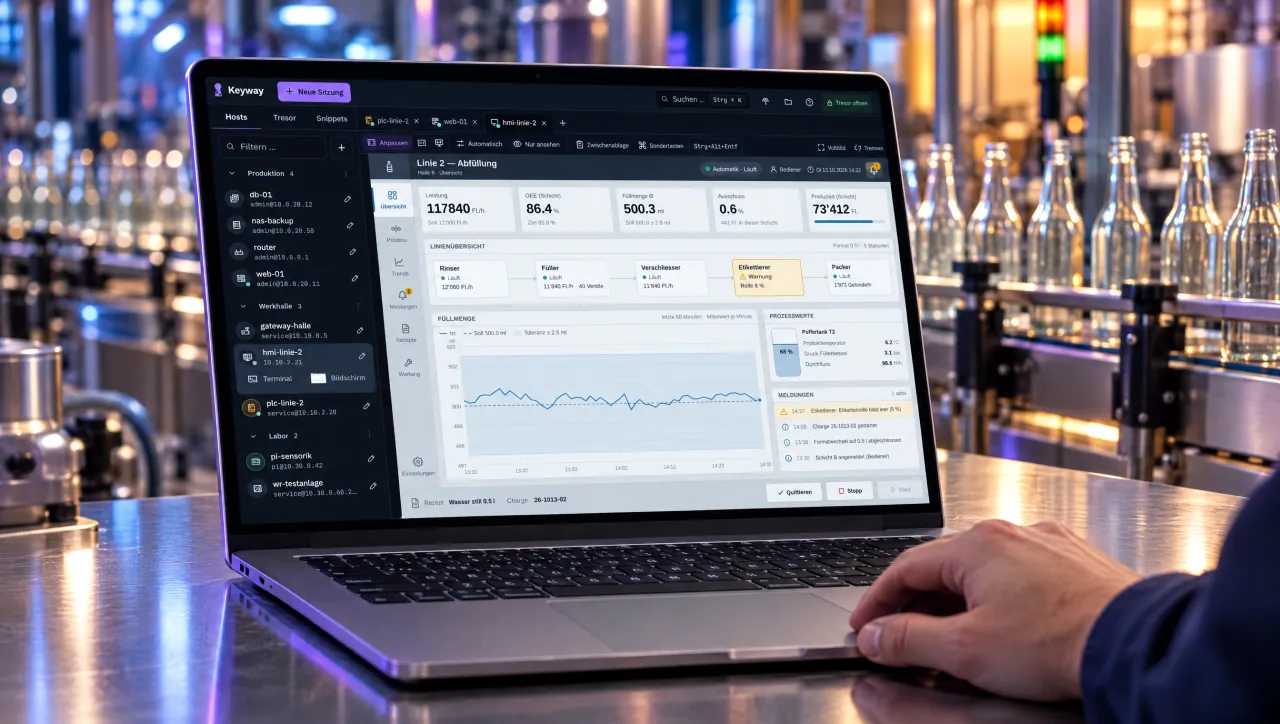
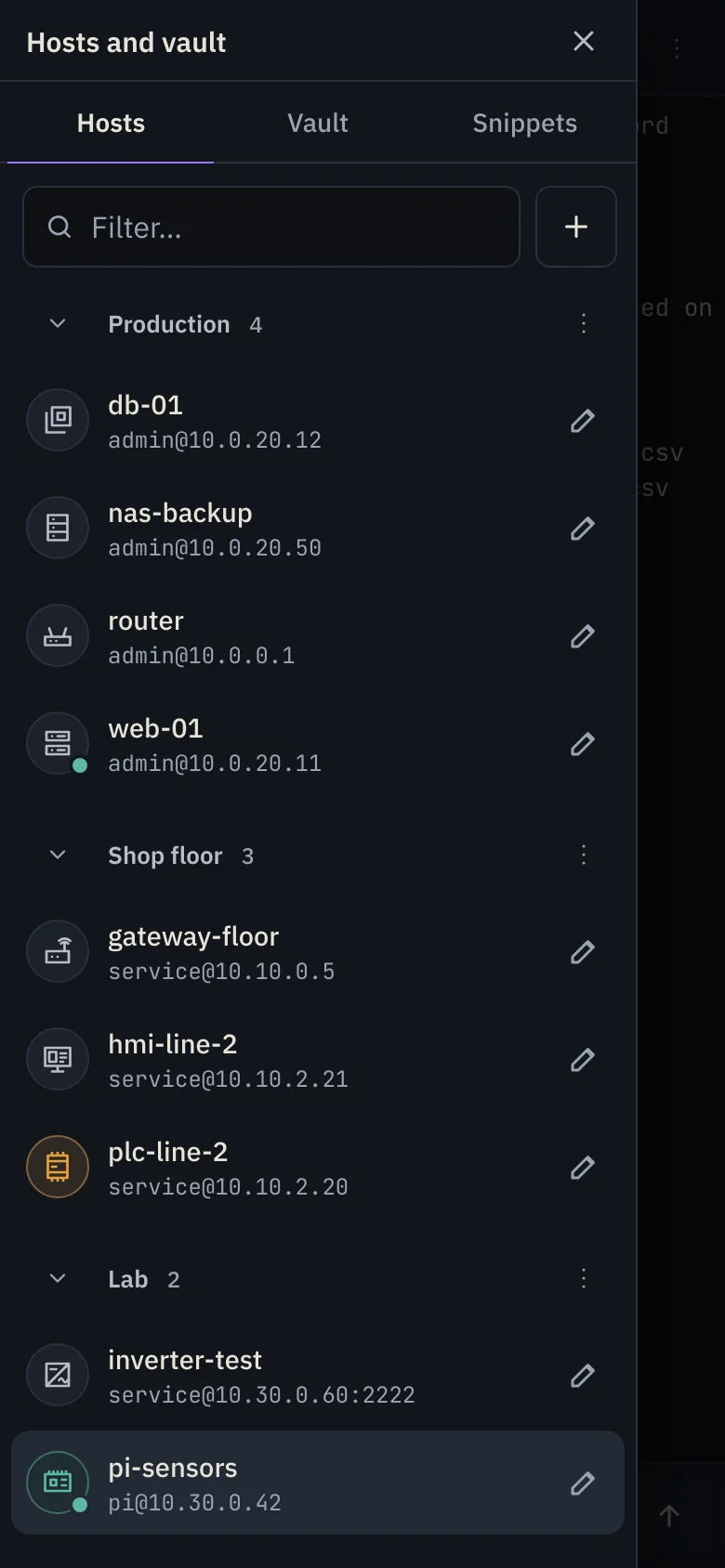
Keyway is a free, open-source, self-hosted web client for SSH, VNC and SFTP. It combines an SSH terminal, a remote screen, a file manager, an encrypted credential vault and offline command help in one browser tab and runs as a single Docker container on your own hardware.
Is Keyway free?
Yes. Keyway is open source under the MIT License and free of charge. You run it on your own hardware, without a cloud service and without a third-party account.
Can Keyway replace desktop SSH and VNC clients?
For the everyday workflow, yes: Keyway covers SSH terminals, SFTP file transfer and VNC remote screens – in the browser instead of separate desktop applications, on any device including phones, and hosted on your own server. RDP and X11 forwarding are not part of Keyway.
Does Keyway support RDP?
No. Keyway supports SSH (terminal and SFTP) and VNC. For Windows Remote Desktop (RDP), use a dedicated RDP gateway.
Does Keyway need an internet connection?
No. Keyway runs in your own network. Even the command help with about 7,000 commands works offline.
Which hardware does Keyway run on?
Anywhere Docker runs. Ready-made images exist for linux/amd64 and linux/arm64, so Keyway also runs on a Raspberry Pi or an industrial PC.
How does Keyway protect passwords and SSH keys?
Credentials are stored encrypted with AES-256-GCM. The key is derived from your sign-in password with Argon2id, lives only in memory and is discarded when the vault locks – automatically after 30 minutes without activity. With two-factor sign-in turned on, the vault unlocks only with password and code.
Does Keyway support two-factor authentication (2FA)?
Yes. Since version 0.4.0, Keyway has optional two-factor sign-in with time-based one-time codes (TOTP, RFC 6238) from an authenticator app. When it is on, the vault unlocks only with your password and the 6-digit code. It works fully offline and comes with 10 one-time backup codes.
What happens if I lose the phone with my authenticator app?
Sign in with one of your backup codes, turn two-factor sign-in off with another backup code and set it up again on the new phone. Without backup codes, resetting the password with the recovery key also turns two-factor sign-in off.
Can I reach Keyway from the internet?
Not unprotected. For access from outside, use a VPN or a reverse proxy such as Caddy, nginx or Traefik with its own certificate. The README describes the setup.
Which VNC servers work with Keyway?
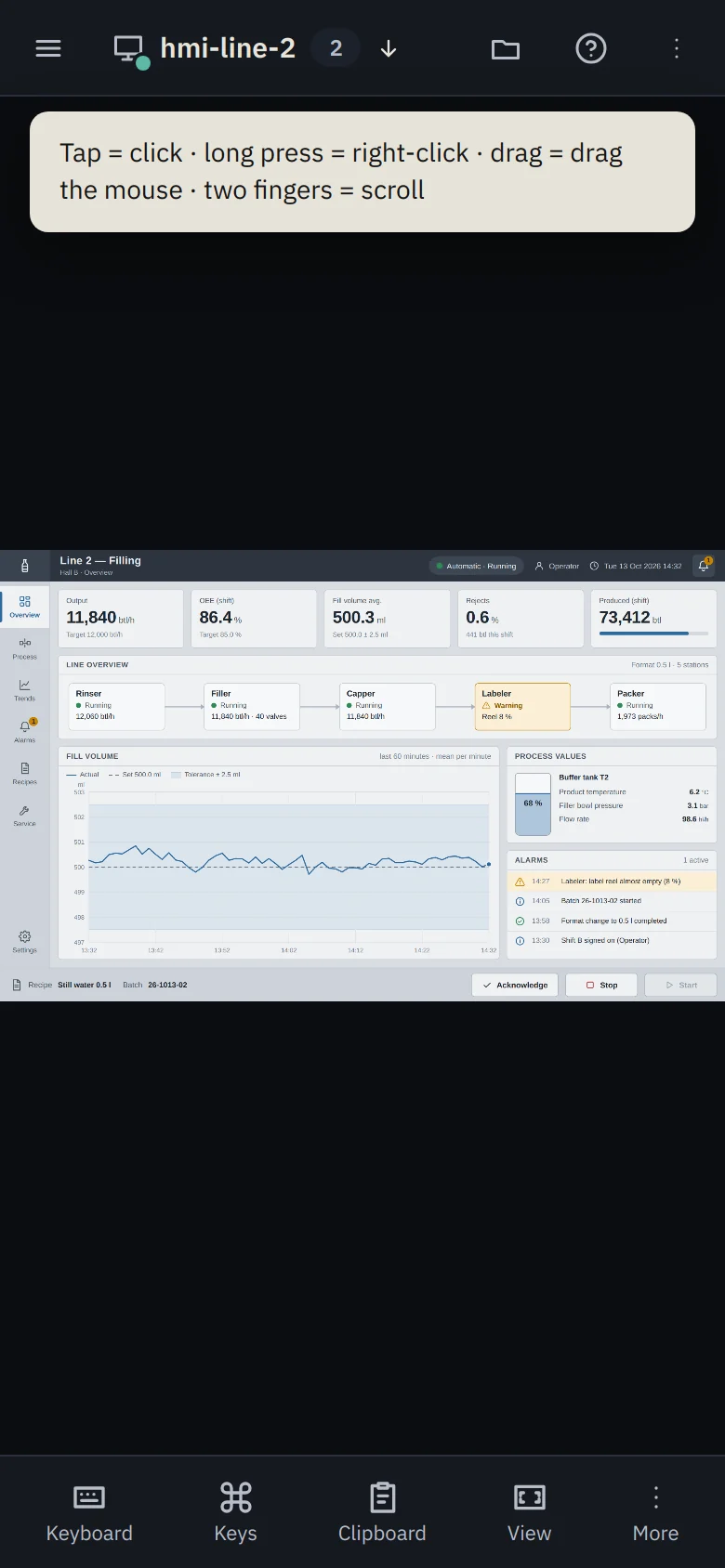
Keyway signs in to VNC servers itself (RFB 3.3, 3.7 and 3.8 with None and VNC Authentication). Other login methods such as RSA-AES are passed through to the browser. By default VNC is tunneled through SSH, so no VNC port has to be open on the network.
Can I use Keyway on my phone?
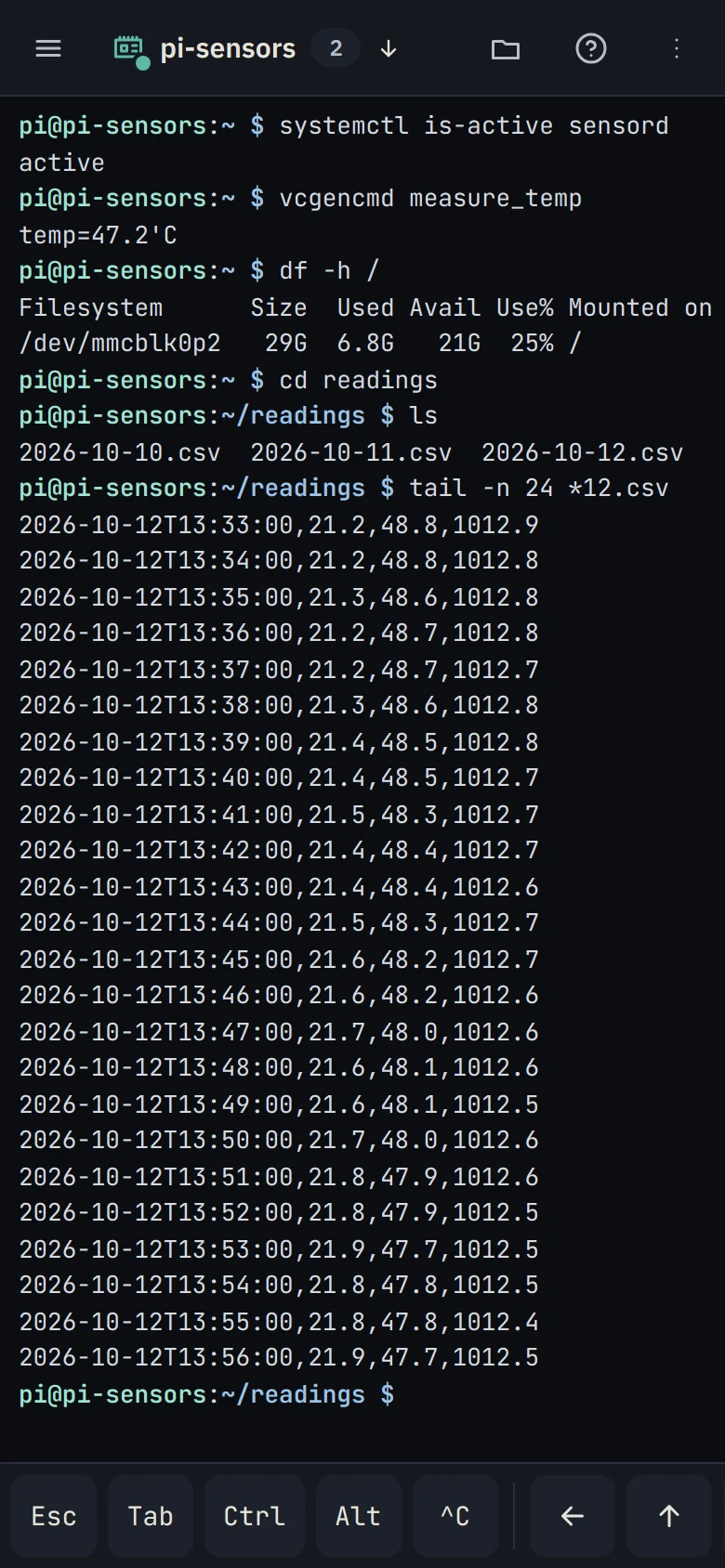
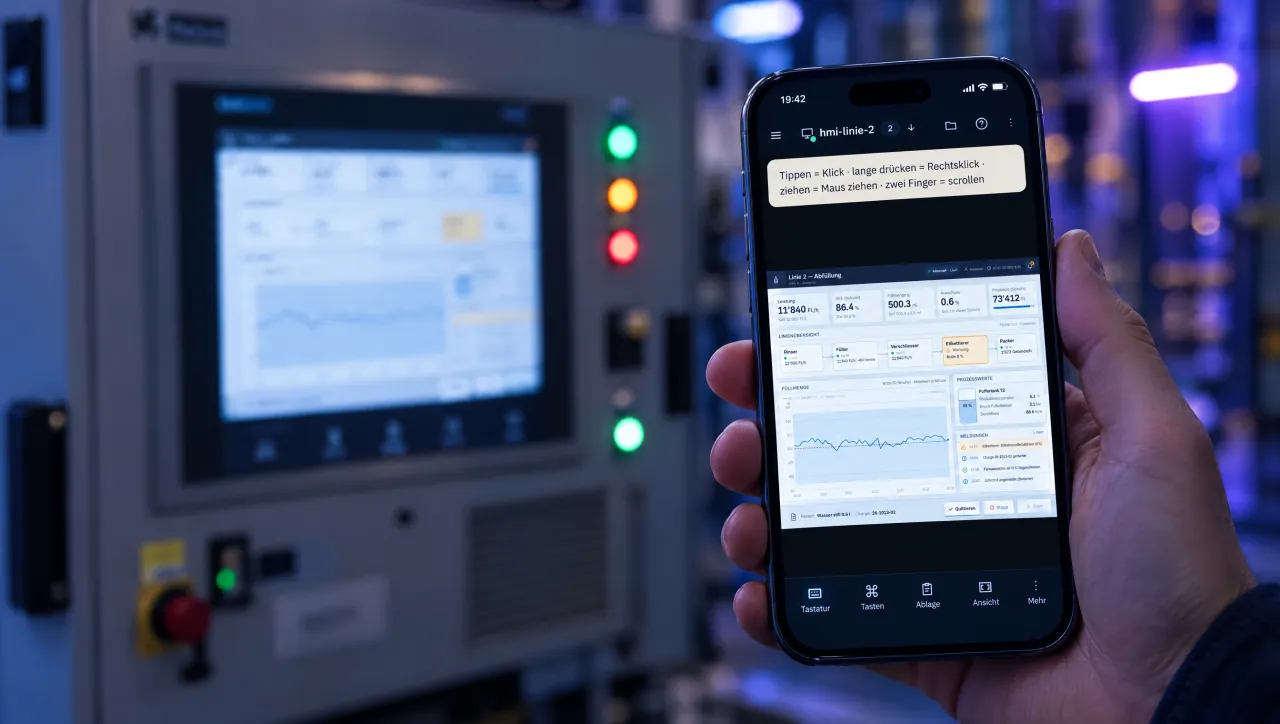
Yes. Keyway has a key bar with Esc, Tab, Ctrl, Alt and arrows, touch gestures for the remote screen and touch targets of at least 44 px. Added to the home screen, it runs like an app.
How do I move Keyway to a new system?
Download a backup in Settings and restore it on the first start of the new system with the recovery key.
Was Keyway called something else before?
Yes, SSH-App. The repository, the program and the container are still called ssh-app, and existing installations and backups keep working unchanged.